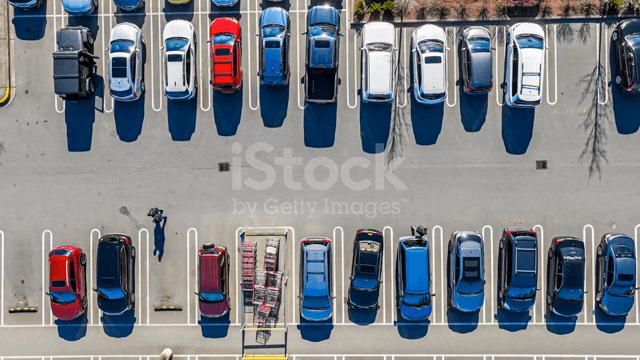
Finding parking for our vehicles is a headache for many people, especially during peak hours at popular parking areas (shopping malls, workplaces, etc) or at event venues (football games, concerts, parties, etc). This is made worse when people drive to the carpark and have to wait in line for long periods or find alternative parking when they realise that the car park is full.
Current implementations include:
- Using cameras to monitor the occupancy of the opposite lot.
- Using GPS tracking
There are several problems with the above methods. For example, it would be costly for businesses to purchase one camera for every parking lot, which may be a requirement for the first implementation. Next, many open air car parks would not have the infrastructure available to support such an implementation. For the second implementation, not all devices which are at a specific car park is driving, there may also be multiple devices emitting location data in a single vehicle, which reduces accuracy of such an implementatio
We propose a parking availability tracker, using aerial videos. The program will recognise the difference between a vehicle/ unusable lot and an empty lot, provide a count of the total number of vehicles and empty lots in a carpark at any one time, and relay the information to display boards/ tracking websites
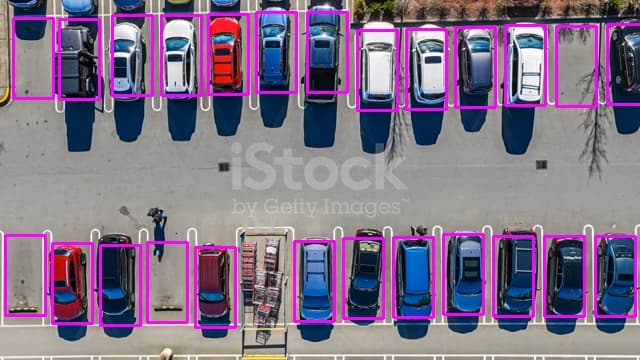
We first create boxes around the picture of a carpark to identify each parking lot, this is done by running a script which creates a rectangle every time you left click using your mouse
The positions of the rectangles are then stored in an array, and passed to main.py using the pickle library
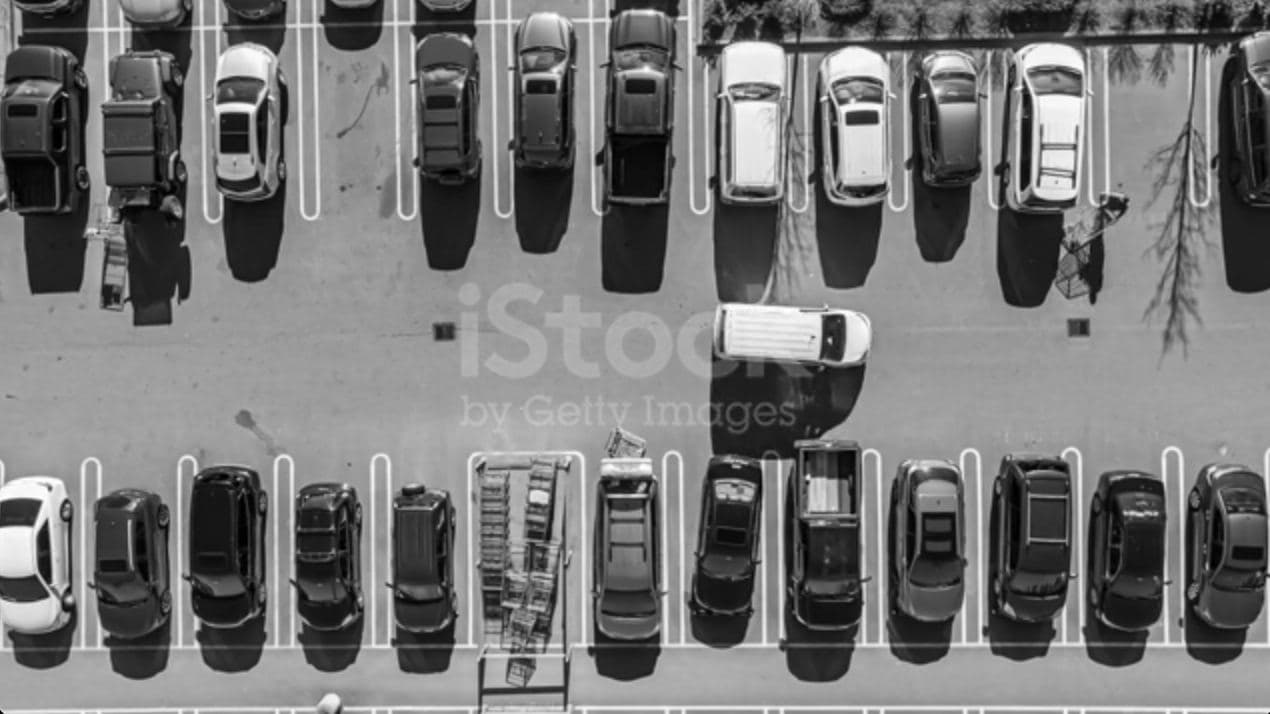
We test the detection algorithm on a video of the same carpark.
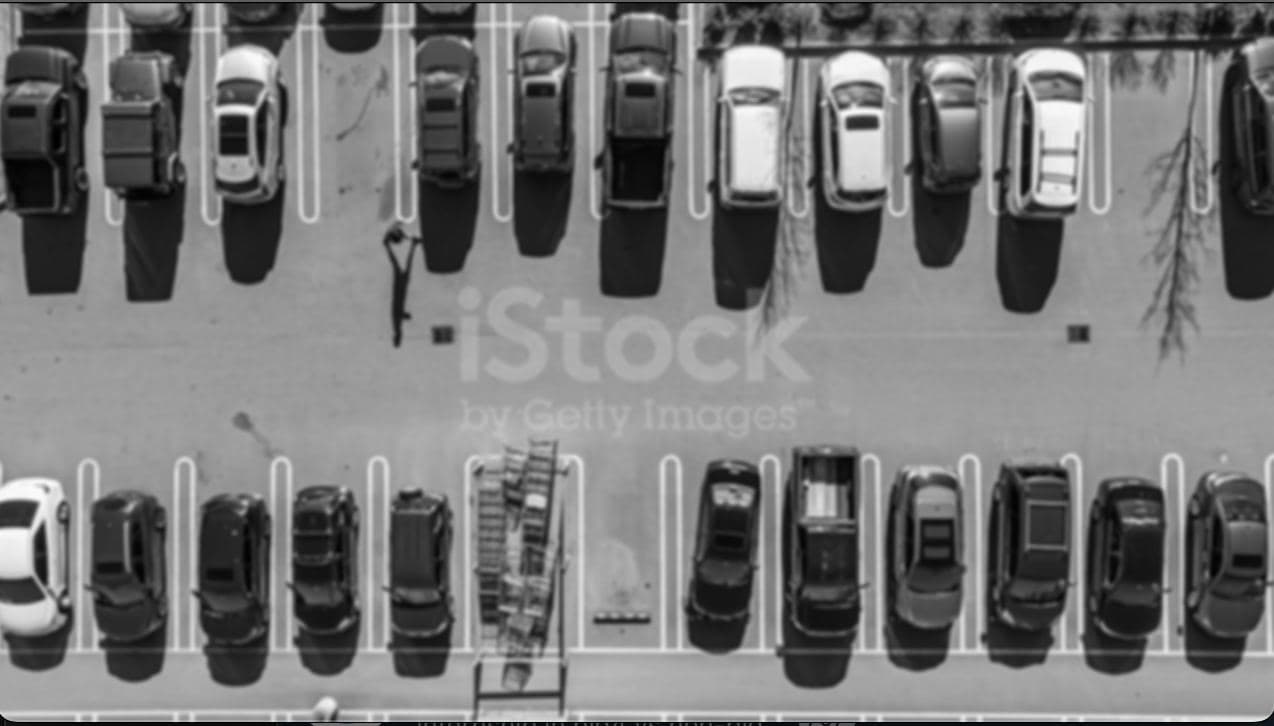
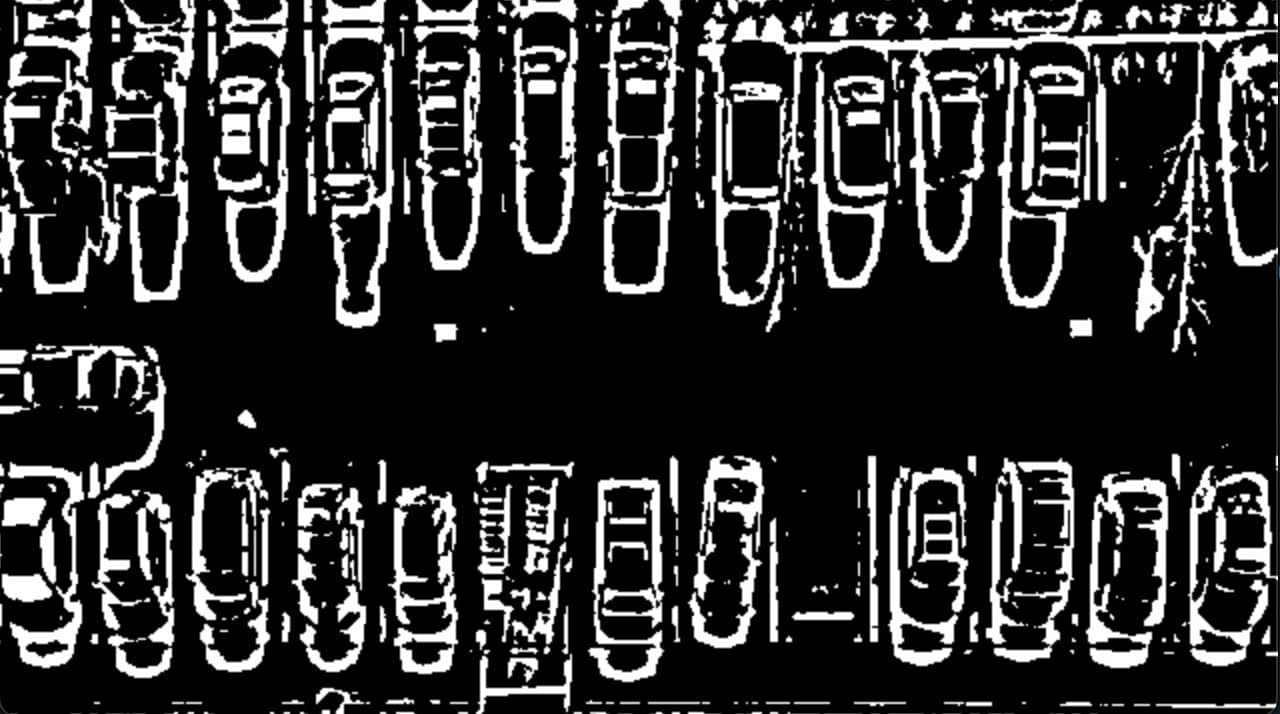
In each frame of the video, the we use OpenCV to gray and blur the frame
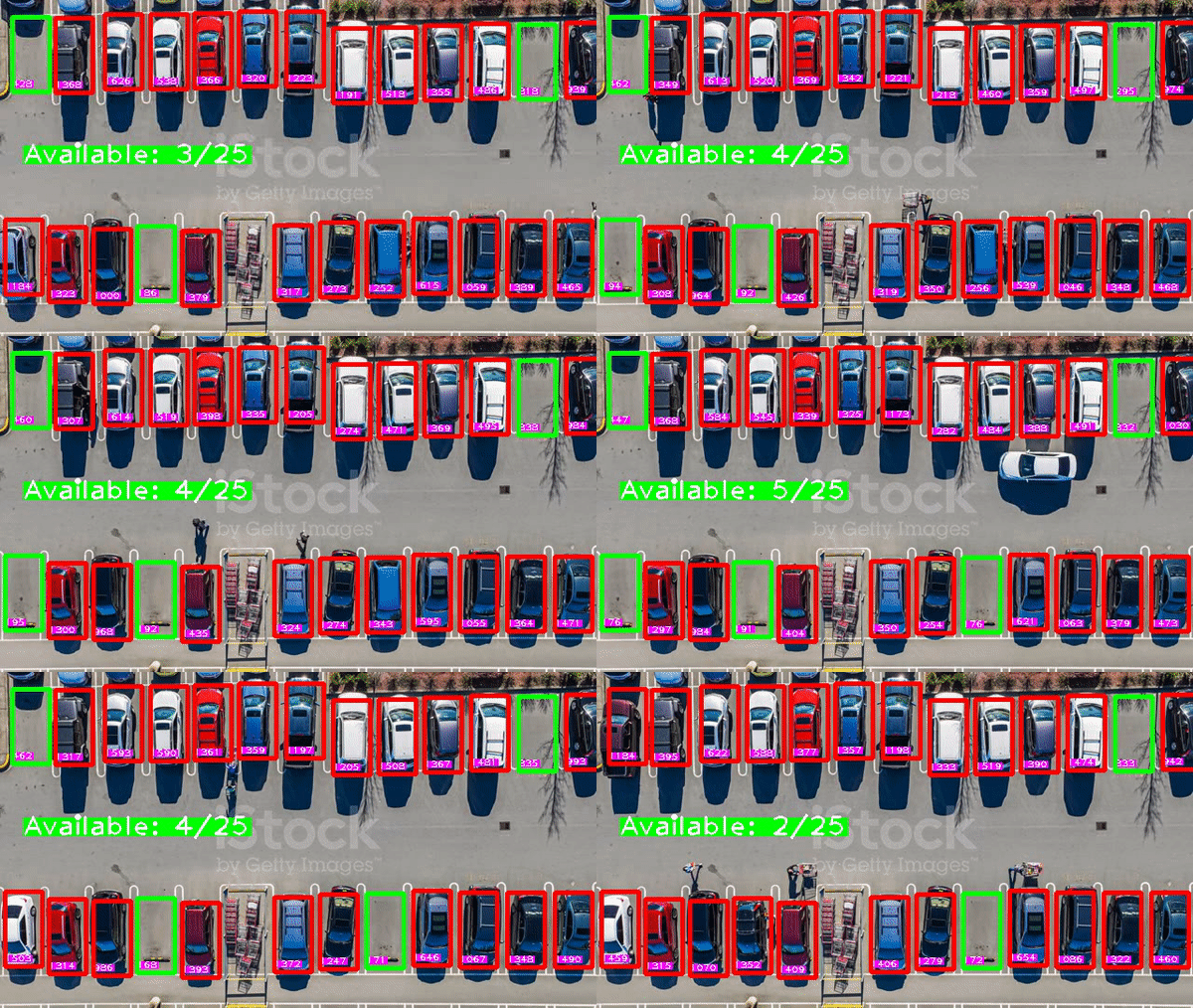
Then thresholding is applied to the blurred frame, main.py loops through each rectangle to count the number of non-zero pixels. We set the threshold at 500 non-zero pixels. If there are more than 500 non-zero pixels in the rectangle, the lot is classified as non-zero.
Empty lots are identified by a green rectangle, while filled lots are identified by a red rectangle. The numbers on the bottom left of each rectangle represent the number of non-zero pixels.